
Support
How can we help?
Find answers for each product, report a problem, or get help with purchases and privacy requests.
Choose a product
-
-
-
- Something else General questions
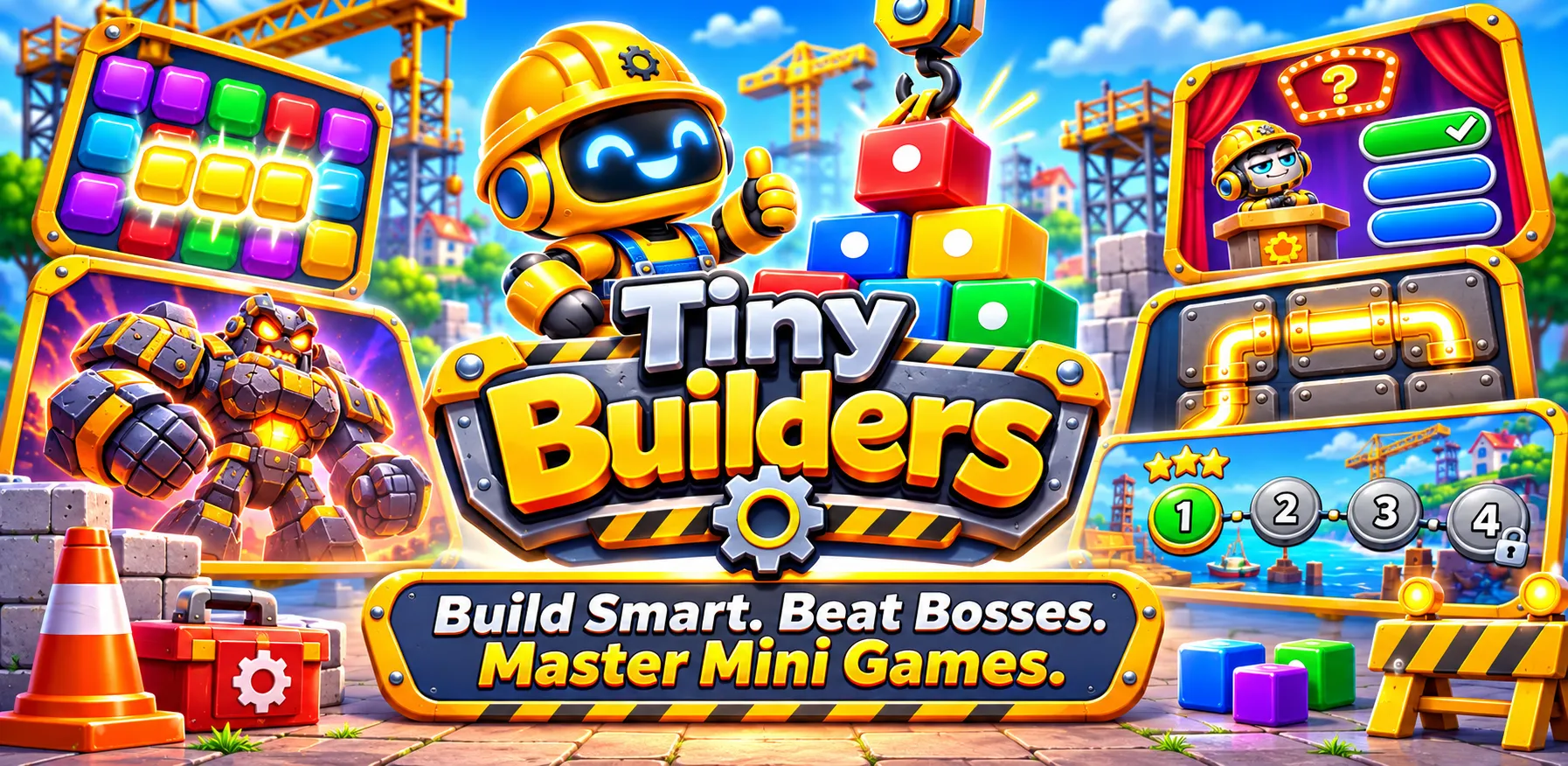
Tiny Builders
In testing
How do I get Tiny Builders?
Tiny Builders is being prepared for testing on Google Play and is not publicly available yet. The game page will link to the store listing when it launches.
Where is my progress saved?
Your progress is saved on your device. Uninstalling the game or clearing its app data removes it, unless your device restores it from an Android backup.
How do I change my advertising privacy choices?
Open Settings in the game and choose Privacy choices. You can also reset or delete your advertising ID in your Android settings.
I bought gems but did not receive them. What should I do?
First restart the game while connected to the internet. If the gems still do not appear, email us with the time of purchase and your Google Play order number (it starts with GPA). Never send card details. Refunds for Google Play purchases are handled by Google under its refund policy.
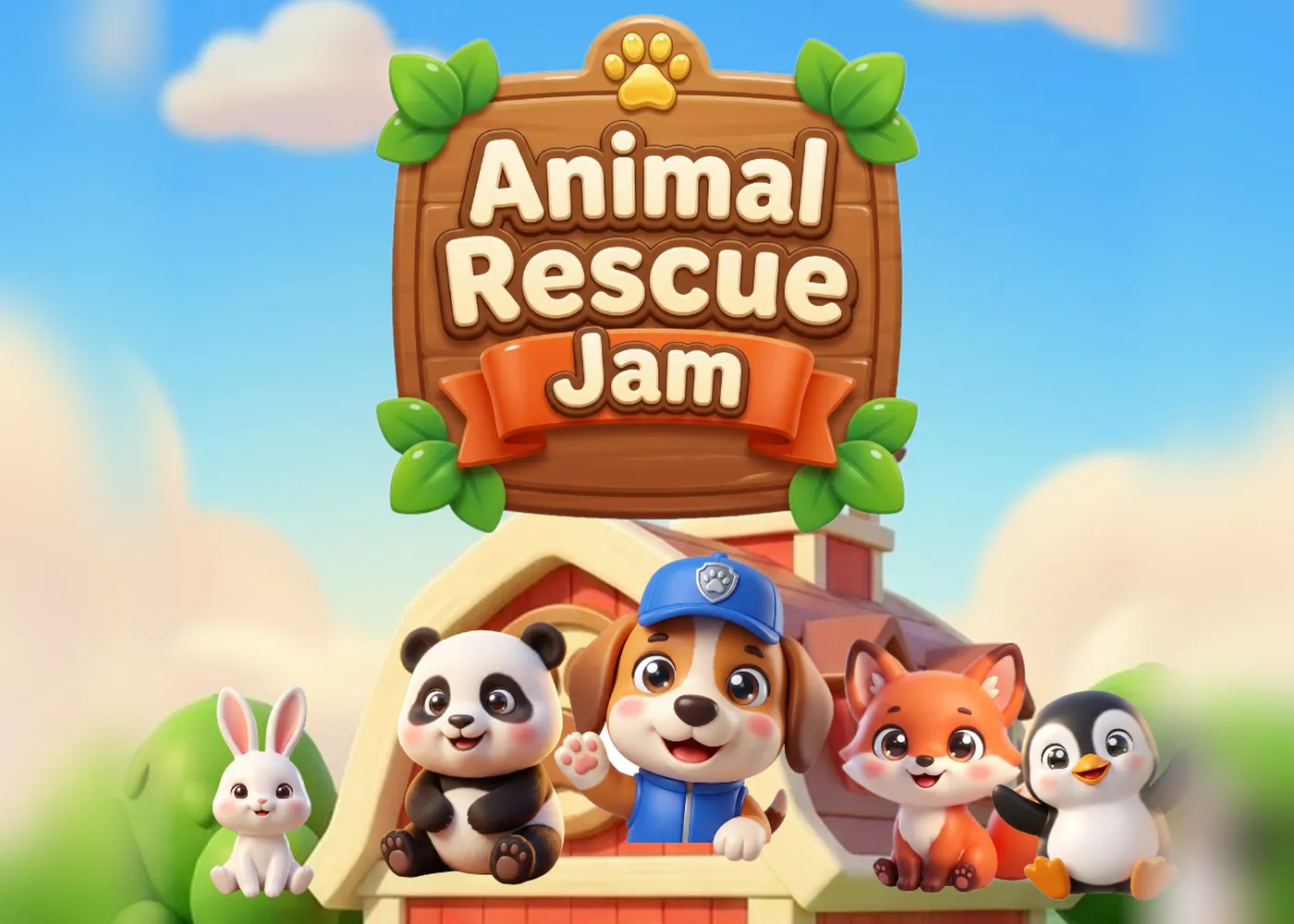
Animal Rescue Jam
In development
When will Animal Rescue Jam be released?
There is no release date yet. The game is still in development, and this page will be updated with store links when it is available.
Can I test the game?
Testing is not open to the public at the moment. If that changes, we will say so here.
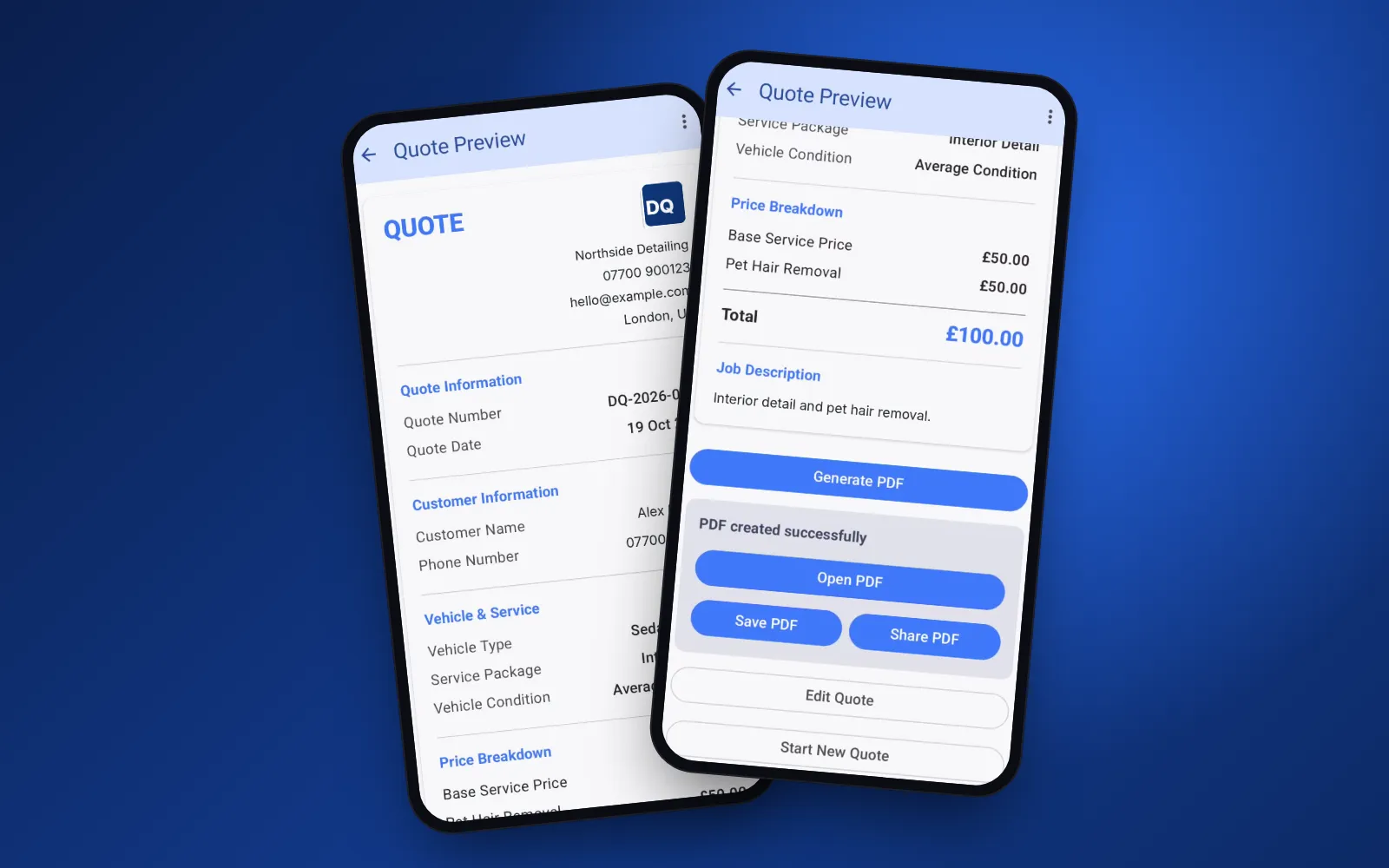
DetailQuote
Available
Where are my quotes and customer details stored?
On your phone. DetailQuote has no account and no cloud database. Use the backup option to save your data to a file, and restore it on a new phone.
How do I restore Pro on a new phone?
Install DetailQuote on the new phone using the same Google account you bought Pro with, and Pro is restored from Google Play. If it does not appear, email us with your Google Play order number (it starts with GPA).
How do I cancel my Pro subscription?
Subscriptions are managed by Google Play. Open the Play Store, tap your profile, choose Payments and subscriptions, then Subscriptions, and cancel DetailQuote Pro there. Uninstalling the app does not cancel a subscription.
How do I turn usage analytics off?
Usage analytics are off unless you turn them on. You can switch them off at any time in the app’s menu.
Reporting a technical problem
The more we know, the faster we can find the cause. Please include as much of this as you can:
Email a problem reportThis opens your email app with these headings already filled in.
- Product name
- Which game or app the problem is in.
- Version
- Shown in the product’s settings, or in your device’s app info screen.
- Device model
- For example Samsung Galaxy S20 Ultra or Google Pixel 8.
- Operating system
- For example Android 15. Find it under Settings, About phone.
- What happened
- What you were doing, what went wrong and, if you can, the steps to make it happen again. A screenshot helps.
Purchases and billing
Purchases in our products are made through the app store, such as Google Play. The store processes the payment, so we never see your card details.
- If something you bought has not arrived, restart the product while online, then email us with the product name, the time of purchase and the store order number.
- Refunds are handled by the store under its own policy. For Google Play, see Google Play refund help.
- Never send full card numbers, security codes or bank details.
Privacy and data deletion
Our current products save progress on your device, so you can delete that data yourself by clearing the app’s data or uninstalling it in your device settings.
- To ask what personal data we hold about you, or to have it corrected or deleted, email hello@cubzillastudios.com with the subject “Privacy request”.
- Tell us which product your request is about. We may need to confirm it is you before acting on it.
- Each product’s privacy policy explains what it collects. See also our website privacy policy.
Frequently asked questions
How do I contact support?
Email hello@cubzillastudios.com. Using the problem report link on this page fills in the details we need, which saves a round of questions.
How quickly will you reply?
We read every message and reply as soon as we can. We are a small studio, so we cannot promise a specific response time.
Do I need an account to use your products?
No. None of our current products use accounts. Progress is stored on your device.
Can I suggest a feature or report a typo?
Yes, please do. Email us with the product name and what you would like to see.
Will you ever ask for my password?
Never. We will not ask for passwords, sign-in codes or full payment card details by email or any other way. If someone claiming to be us does, do not reply.
Still stuck? Contact us and we will help.